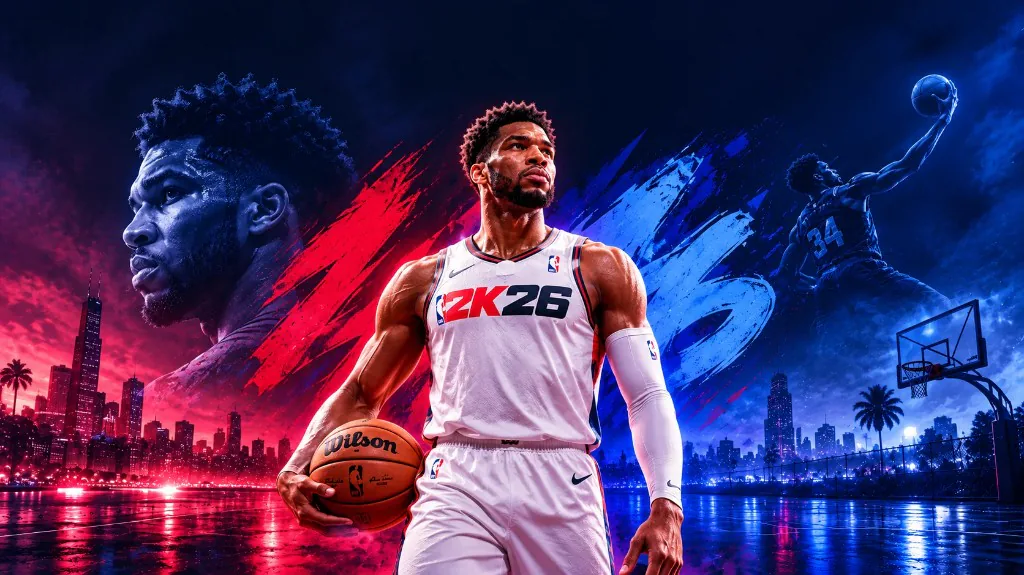
Main Options controls
Auto Green (Timing)
Assists your release on the shot meter so timing lands in the green window. It handles when you release, not where you aim on the court.
Unlock All Clothes
Unlocks every clothing item on your build so you can wear anything in Park, Rec, and MyCareer without grinding rep or VC for each piece.
Unlock All Animations
Unlocks every dribble move, jumper, and celebration animation on the menu so your player can use any package without buying it in-game.
Unlock All Equipment
Unlocks shoes, arm sleeves, masks, and other wearable gear so nothing stays locked behind in-game progress.
Max Badges (Visible to Everyone)
Shows max-level badges on your build to other players in online modes. They see the badge layout you have toggled on, not a hidden local-only view.
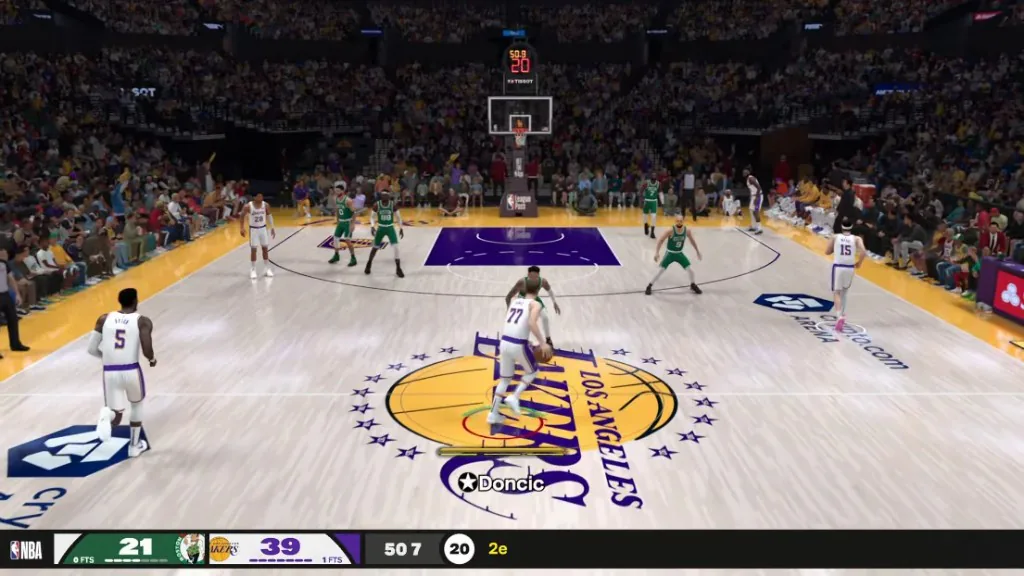
Auto Green timing on the shot meter
Auto Green handles release timing on the shot meter: when you let go of the button for a green. In Park and Rec, timing is often what separates a make from a brick on a contested three.
The auto green timing post walks through a first setup that does not stack every unlock toggle at once.
What the unlock toggles change online
Unlock all clothes, animations, and equipment change what your player can equip locally and what shows up in the wardrobe. Max badges (visible to everyone) is the one that affects what other players see on your build in online runs. That distinction matters if you care about how your card reads in Rec matchmaking.
None of these toggles change your actual attribute ratings. Those sliders live in the attributes module. Main options are cosmetics, animations, gear, badges on display, and timing.
A sensible first setup
Start with Auto Green alone in a private court or low-stakes Park run, so you know what the timing window feels like before you add unlock toggles. Add clothes, animations, equipment, and badge display one at a time if you care about how your build looks online, not all four on the first load.
Save a timing-only config and a full-unlock config separately. The config guide explains naming so you do not load the wrong profile before a ranked Rec game.
What main options does not include
There is no VC generator, no rep booster, and no account-level progression unlock on the published list. Attributes are separate sliders, not part of this tab. These five controls are the whole module.
Works well with
Related reading
NBA 2K26 Main Options questions
Do unlock toggles change my attribute ratings?
No. Attribute sliders are in the attributes module. Main options cover timing, clothes, animations, equipment, and badge display.
Does Max Badges show to other players in Rec?
Yes. That is what visible to everyone means on the published label. Other players see the badge layout you have toggled on.
Can I use Auto Green without the unlock toggles?
Yes. Timing and unlock toggles are independent. Many people run Auto Green alone in Park before touching cosmetics or badge display.
Main Options ships with the full menu
One license covers every module. Monthly is $35 for 30 days. Lifetime is $150.
Around the site
Status, checkout, and the guides that sit around this module.
- HomeStatus, pricing, and the forum archive
- ProductPlans, checkout, and screenshots
- ForumClosed threads on requirements, features, delivery, and the Status label
- StatusGREEN or RED before you load
- FAQFeatures, setup, and Status after a patch
- SupportLoader and delivery help
- BlogsAuto Green, attributes, and setup notes